ARCCTV Q01 Two-Camera Solar Kit Review
At a Glance
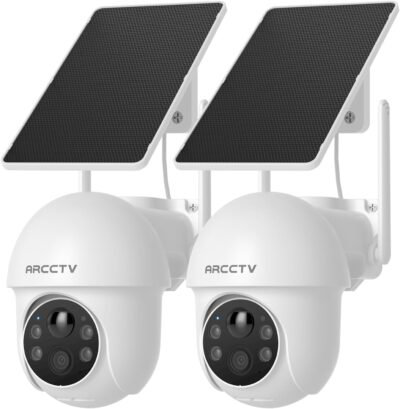
KEY FEATURES
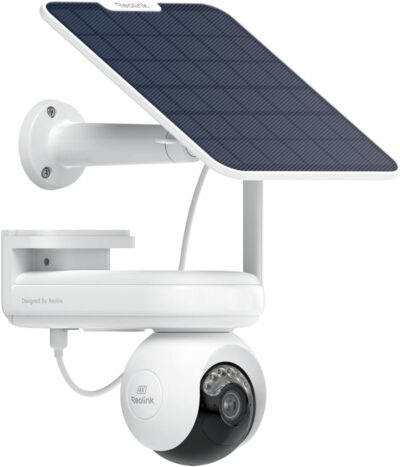
- Motorized pan and tilt under manual app control
- 2.4GHz and 5GHz Wi-Fi
- Two separate panels in selected kit
- Memory cards; cards not included
- Cloud retention is an optional paid service
PROS
- Two independently useful viewpoints
- Separate panels allow placement flexibility
- Dual-band Wi-Fi support
CONS
- No automatic subject tracking
- Local recording cards excluded
- Maximum card capacity needs confirmation
Amazon customer rating
1,518 Amazon ratings
The ARCCTV Q01 can turn when you ask it to; the selected listing explicitly says it does not automatically track a moving subject. That distinction is the starting point for this two-camera solar kit, ASIN B0F9FNW8G5. A movable view can be useful for looking around without becoming an unattended camera operator.
This review uses the exact offer and identity-consistent supplied owner feedback, not hands-on testing. Cellular-camera accounts found in the supplied material are excluded: they cannot establish how this Wi-Fi kit works.
A turn command is not a pursuit instruction
Remote pan and tilt make sense when you occasionally want to inspect another part of the yard.
App-controlled pan and tilt are useful for inspection. They should not be described as automatic following.
- They do not mean the lens will follow a visitor after an alert.
- The retained listing makes manual app control explicit, and one Wi-Fi owner specifically wishes detected movement would move the camera with the person.
Two cameras can preserve two useful directions at once if positioned appropriately. One rotating camera cannot record opposite directions simultaneously merely because its movement range is broad. The second unit has the most value where it provides a genuinely different scene rather than duplicating the first.
Walk the two locations before pairing permanently
Use a temporary positioning check to distinguish a workable kit from two cameras that only connect beside the router.
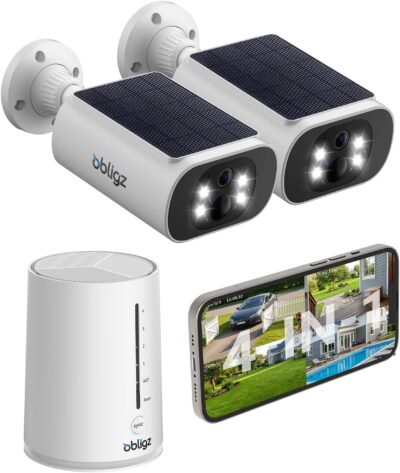
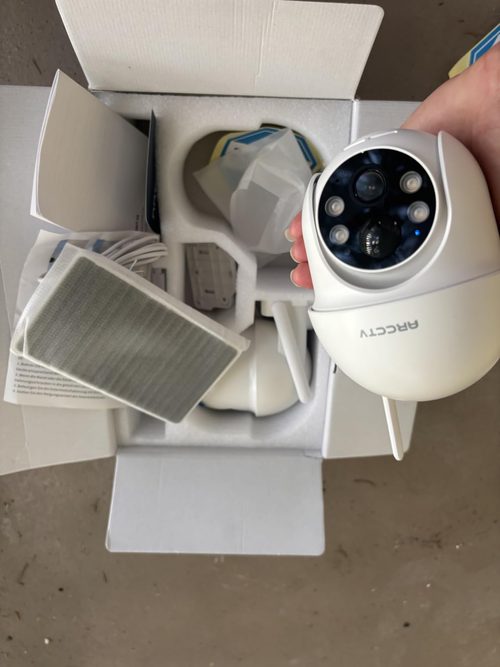
The selected package contains two cameras and two separate panels. Decide where both viewpoints belong rather than treating the second camera as a spare.
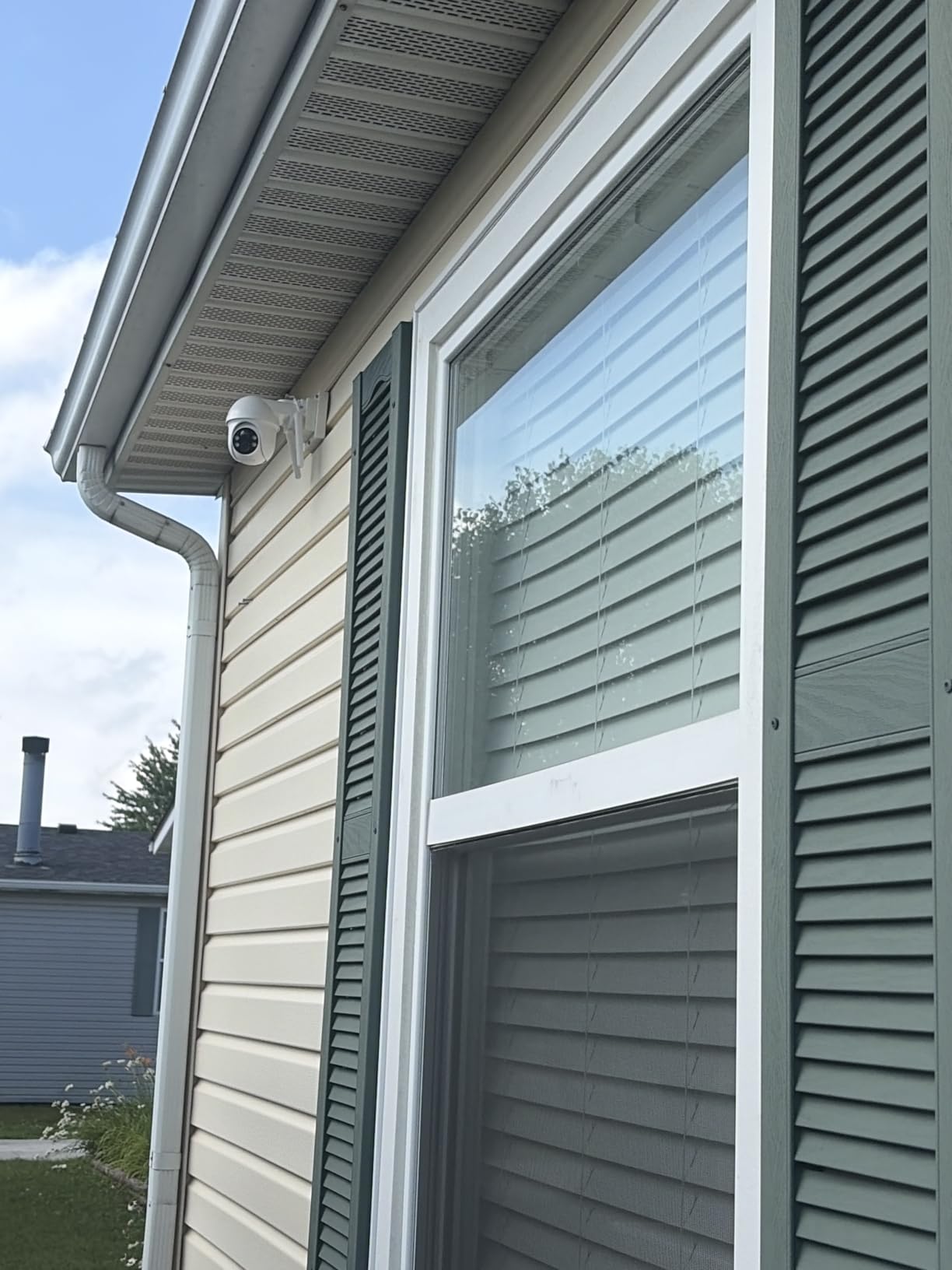
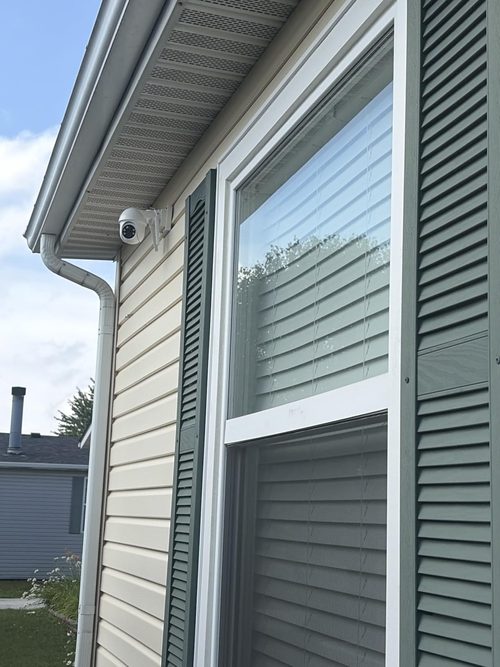
- Establish the important scene for each unit and confirm that the intended mounting location is suitable.
- Check the working Wi-Fi connection at both locations, not just during nearby setup.
- Identify a sunny position for each separate panel within the supported cable arrangement.
- Confirm that both cameras and charging connections remain accessible for inspection.
The selected offer supports 2.4GHz and 5GHz Wi-Fi.
- That provides a network choice, not a guaranteed connection through every exterior wall.
- Nor does the word 5GHz indicate cellular service.
- This kit still needs the relevant Wi-Fi arrangement for remote use.
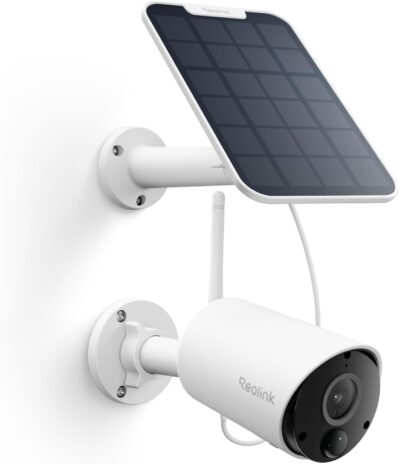
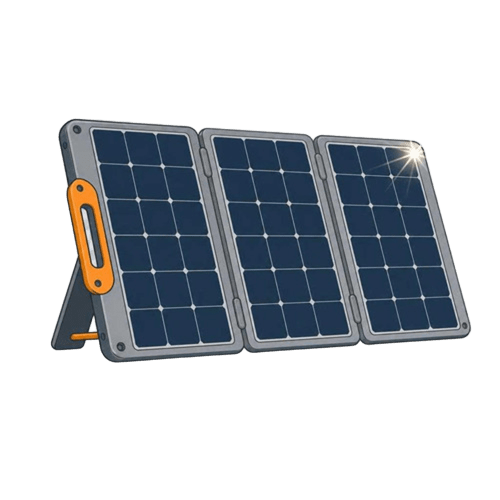
Each camera has a detachable panel in the package.
This gives more flexibility than forcing the panel and lens onto exactly the same surface, but the cable and mount still impose practical boundaries.
A supplied owner describes having to work around poor sunlight at the preferred location.
The solar feature does not remove that planning task.
Assemble a recording order, not just a camera order
The selected listing says recording cards are not included. Add the appropriate supported media if the aim is local recording without cloud retention. Do not confuse receiving a live picture with having a saved event available later.
| Intended result | Relevant purchase or setup decision |
|---|---|
| Local events from both cameras | Compatible recording media and a retrieval check for each camera |
| Cloud retention | Current optional subscription terms |
| Remote look-around | App pan-and-tilt control, not automatic following |
| Useful charging at two positions | Two workable panel placements, not a single sunny setup test |
The retained product attributes and feature text disagree about maximum card capacity.
Recording cards are not included in the retained offer. Compare the complete two-position setup, including the media you need.
- Rather than recommending a card on that basis, confirm support for the delivered unit.
- Preserve existing card data before preparing media; a customer's formatting anecdote is not a reason to erase a card without checking its contents.
Look for the beginning of the saved event
A clip can look clear while missing the action that caused you to install the camera.
- During commissioning, make an ordinary approach through the intended scene and inspect the saved result.
- Include the arrival, pause and departure that matter to the location rather than judging only live view.
Supplied Wi-Fi feedback includes complaints about recording duration and the start of events, alongside favorable image comments.
Those observations do not establish a universal delay, but they justify checking the actual result before relying on the equipment.
An attractive snapshot is not the same as a complete account of what happened.
For two-way audio, test whether the intended conversation is understandable at the installed position. One account finds it usable but unimpressive. That is a personal experience, not a measured speaker or microphone specification, and it should not become a promise of clear communication at a particular distance.
The Q01 belongs in a manually managed pair
This kit is a reasonable candidate for buyers who need two Wi-Fi viewpoints, occasional remote repositioning and local recording. It is a poor match for a purchase decision built around autonomous following or operation where home Wi-Fi is absent.
The useful package is two cameras, two viable panel positions and a working recording arrangement.
- Cards, optional services and access for maintenance belong in that decision.
- Claims of instant installation or zero maintenance are not a substitute for confirming those ordinary requirements at the property.
Pros & Cons Analysis
Based on documented specifications and owner feedback
Pros
- A second direction can remain visible while another is inspected — Two cameras make it possible to assign distinct priority scenes instead of asking a single turning lens to cover incompatible directions.
- Each separate panel can be considered independently of the picture — The selected package provides two detachable panels, allowing the charging position to differ from the camera's framing position within the supported cable arrangement.
- Two supported Wi-Fi bands provide a configuration choice — Support for 2.4GHz and 5GHz lets the buyer consider the actual home-network arrangement instead of assuming this is a single-band camera.
Cons
- Detection does not make the lens follow the detected person — The listing explicitly limits movement to app control rather than automatic tracking.
- Both local archives require attention beyond unpacking the kit — Recording cards are excluded from the retained offer, so a local-storage plan is incomplete until suitable media is added and checked for each unit.
- Conflicting card limits make a maximum-capacity recommendation premature — The retained attributes and feature text give different maximum storage capacities.
Q01 buys two steerable viewpoints—not automatic following
Two scenes are the reason to consider the kit
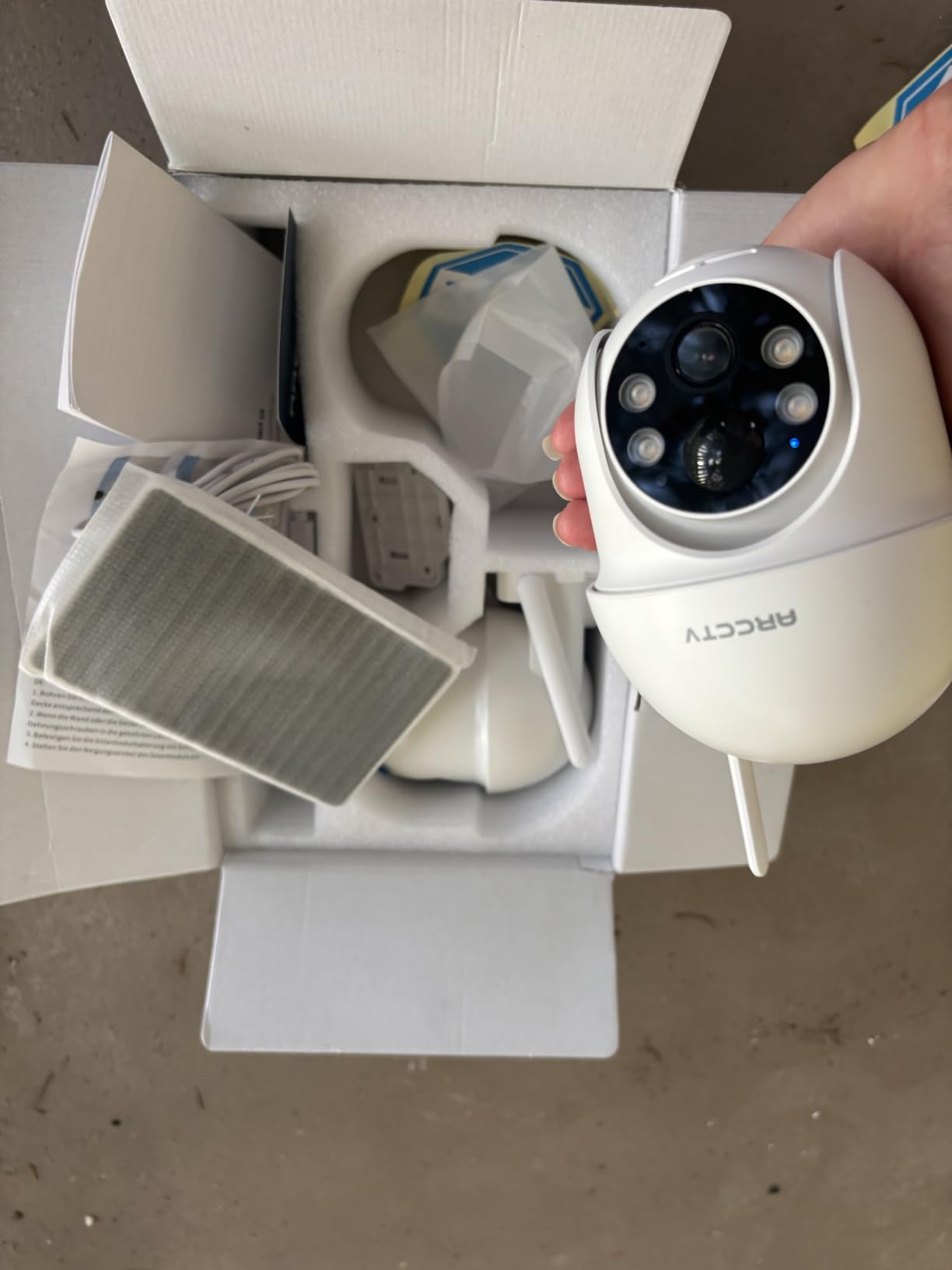
The selected Q01 package combines two cameras, two separate panels and dual-band Wi-Fi. That is useful when you have two planned responsibilities and want to inspect each view manually from the app.
- Choose it for: occasional manual looking-around and flexible panel placement.
- Choose differently for: required automatic tracking or a location that needs cellular rather than Wi-Fi.
Recording cards are additional purchases, and optional cloud retention is a separate cost. Compare the complete two-position setup, not just the price of two camera bodies.
Frequently Asked Questions
Does Q01 turn automatically when it detects a person?
No. The selected listing explicitly says pan and tilt require manual app control rather than automatic tracking.
Is Q01's 5GHz connection a cellular service?
No. It is a Wi-Fi band. Cellular owner accounts do not establish capabilities of this selected kit.
Does the Q01 two-pack provide two solar panels?
The retained package lists two cameras and two detachable panels with cables. Confirm the selected offer contents at purchase.
Are Q01 recording cards included with the cameras?
No. The retained listing excludes them. Add compatible media if you intend to use local storage.
Which maximum memory-card capacity should I assume for Q01?
Do not choose from conflicting listing fields. Confirm the supported capacity for the delivered unit before purchasing a card.
Will Q01 solar charging remove all future access needs?
Do not plan on that. Keep cameras and charging connections reachable and check the actual charging balance at both locations.
Technical Specifications
| Model family | ARCCTV Q01 |
|---|---|
| Amazon offer | B0F9FNW8G5 |
| Selected camera count | 2 |
| Connectivity class | 2.4GHz and 5GHz Wi-Fi |
| Camera arrangement | Motorized pan and tilt under manual app control |
| Solar arrangement | Two separate panels in selected kit |
| Local recording | Memory cards; cards not included |
| Offer-specific requirements | Service requirement: Cloud retention is an optional paid service |
| Advertised video resolution | 1440p |
| Advertised weather rating | Not established for this selected offer |
| Night vision type | Infrared & LED |
| Motion / alert method | Motion Only |
| Mounting method | Wall Mount |
| Audio support | Not established for this selected offer |
| Advertised viewing angle | 360 degrees |
| Video format | MP4 |
| Operating environment | Indoor, Outdoor |
| Compatible device class | Smartphone |