eufyCam S330 Two-Camera Kit Review: The HomeBase Is Part of the Decision
At a Glance
KEY FEATURES
- Fixed exterior views
- HomeBase-based home network system
- Integrated camera panels
- Via HomeBase 3
- HomeBase 3; external power required
PROS
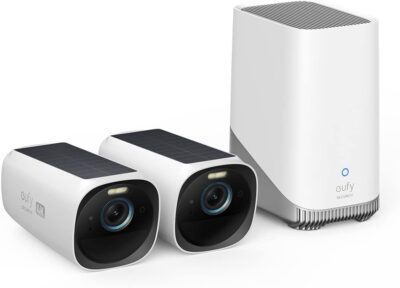
- Two cameras and HomeBase 3 form a defined starter system
- Recorder-centered storage can support a planned retention workflow
- Solar charging avoids running a power lead to each outdoor unit
CONS
- Cameras require the HomeBase rather than operating alone
- The base needs continuous external power
- Added storage and cameras change the real system cost
Amazon customer rating
1,316 Amazon ratings
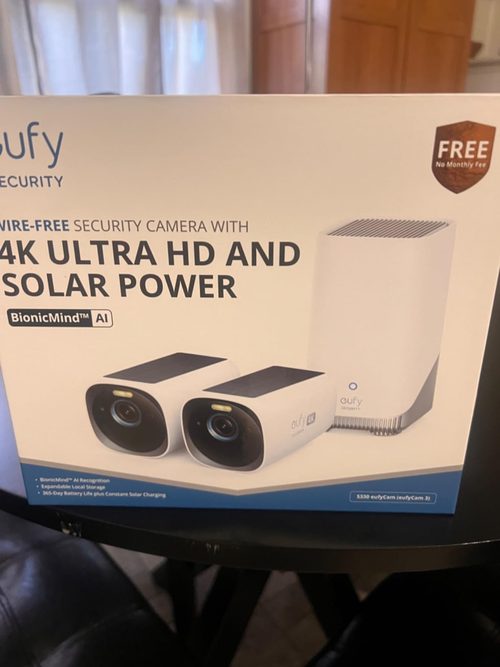
If you are considering this kit, start inside the house. The eufyCam S330 cameras use HomeBase 3, so the recorder's location and power supply are part of the purchase—not details to resolve after mounting two cameras outdoors.
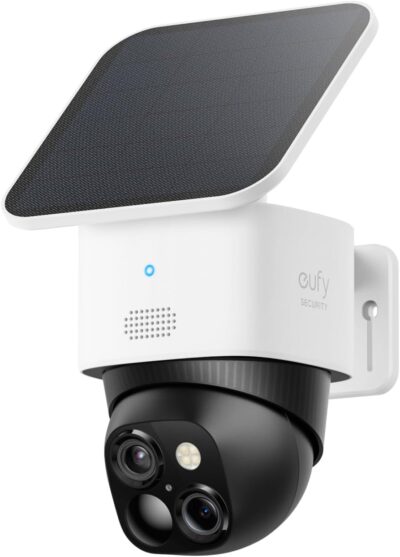
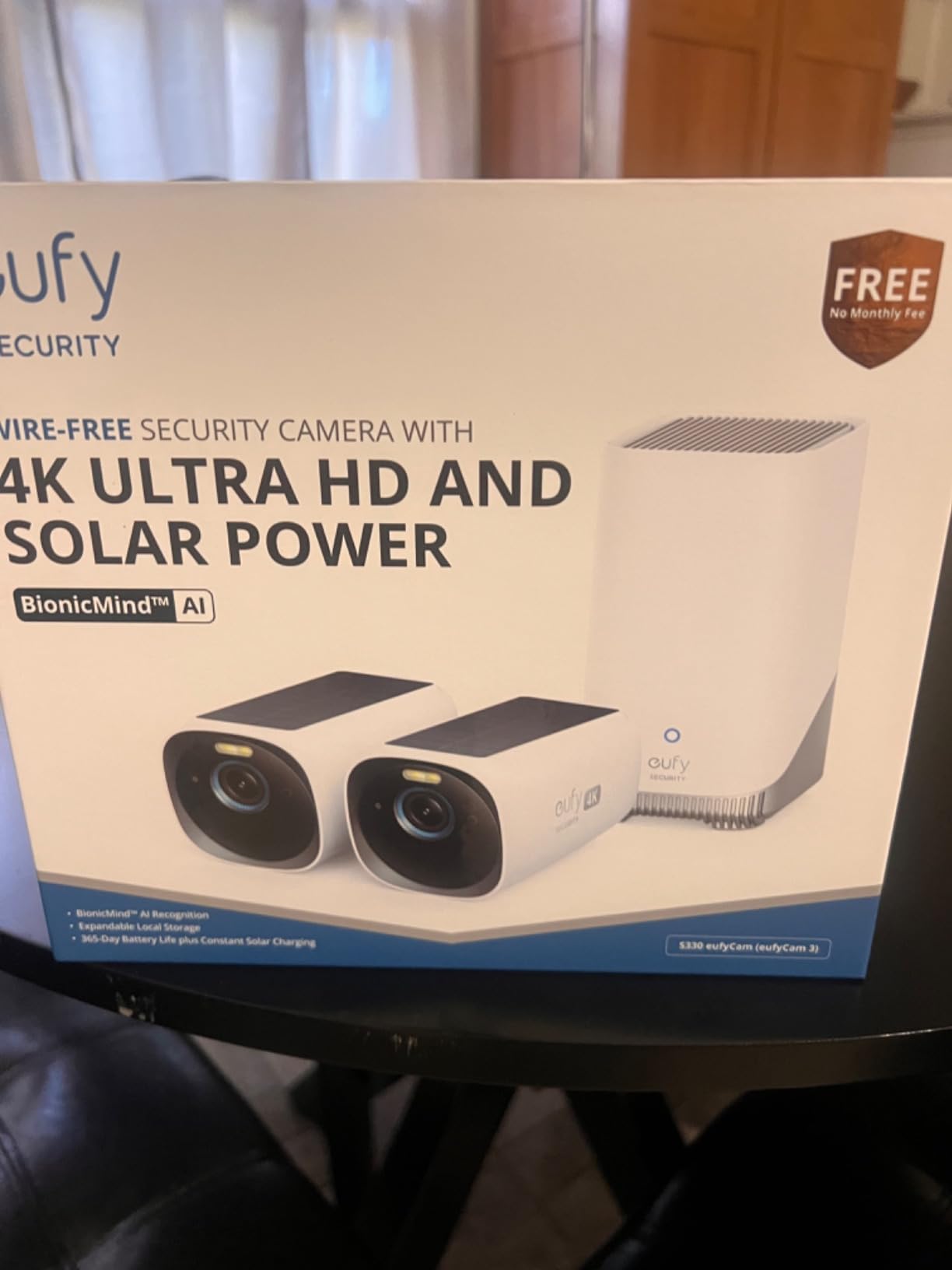
This review concerns Amazon ASIN B0B4BZH58H, the two-camera eufyCam S330 kit with HomeBase 3. It is not the similarly named 4G LTE Cam S330. Our assessment uses manufacturer documentation and supplied owner accounts; we have not installed or tested the kit ourselves.
Follow a recording back to the equipment it depends on
That requirement can be a benefit if you want a system organized around a recorder.
The selected kit supplies two fixed-view cameras. Assign both useful roles before concentrating on the indoor system.
- It is also a dependency.
- Before looking at camera resolution, identify where the base will live, how it will connect, and whether the intended camera locations work with that arrangement.
The setup instructions establish the base before adding cameras. Following that order lets you resolve basic connections while everything is accessible. It is easier to investigate an unsuccessful pairing indoors than with one camera already mounted above a side door.
The indoor component has a different power problem
HomeBase 3 needs a continuous external power supply; it has no built-in battery. Solar charging on the cameras does not change that requirement. This is not a wholly off-grid kit merely because the outdoor units have solar panels.
HomeBase 3 needs external power. Solar panels on the cameras do not make the complete system independent of household electricity.
If monitoring through a power cut is important, assess backup for the base and the network equipment that your intended access method requires.
- This review does not specify a UPS size or promise which functions survive every kind of interruption.
- Those depend on the complete installation and need a separate check.
Keep the base indoors, as the installation guidance requires. A central location should be chosen for working connections and practical access, not solely because it conceals the box. Place it where someone responsible for the system can identify its power and network connections without dismantling unrelated equipment.
Choose two entrances before comparing extra cameras
The two-camera pack makes most sense when you can name two priority views.
- A front entrance and a side door may be more useful than two wide views of largely empty space.
- There is no universal coverage plan that follows from the number of cameras in the box.
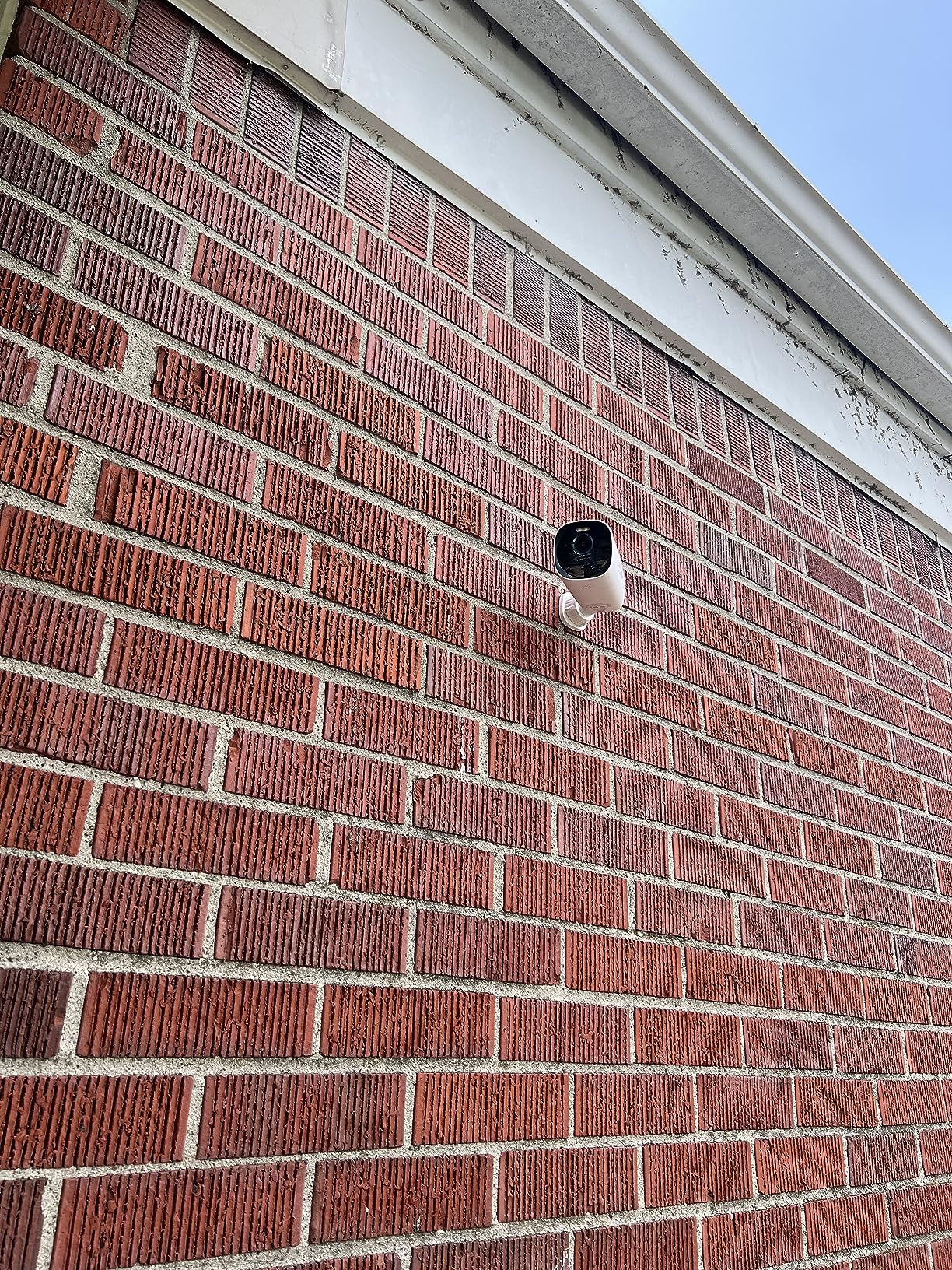
Start with the event each view needs to capture. Then check framing, the approach route, lighting and connectivity. Because the cameras have integrated solar charging, sunlight at each camera position is another constraint rather than a separate mounting choice.
The 4K label does not remove the need for those checks. A larger image can still show the wrong angle or an event after the useful moment has passed. If vehicle identification is a priority, do not assume that a resolution figure establishes readable plates in motion or darkness.
Buy recording capacity for a retention need
The kit's expandable storage is more useful when you have a reason to expand it.
The base-centered storage arrangement is a reason to consider the kit when its recording workflow suits the household.
- Decide how far back you need to look and which recordings should be exported and retained elsewhere.
- Capacity alone does not tell you how quickly a household can find the relevant event.
Additional storage is not automatically in the box
A supplied owner describes installing a separate large SSD and using four cameras.
- That account illustrates one expansion path, but neither the extra drive nor the additional cameras should be counted as contents of this two-camera offer.
- Compare like-for-like shopping lists when evaluating its cost.
Do not turn an owner's retention experience into a storage-duration promise. Camera activity, recording settings and selected video quality affect what accumulates. Measure the use of your actual installation before deciding that the largest supported drive is necessary.
Local recording still needs an access workflow
Know how to open a saved event, export it and share it appropriately. Also decide who administers the system and how other authorized users receive access. Central storage does not make account management or retrieval procedures disappear.
This is an ownership question, not a claim that any local-storage system is immune to outages or security problems. Avoid treating the location of the storage as proof of every privacy or availability property you might want.
Read the owner reports as different installations
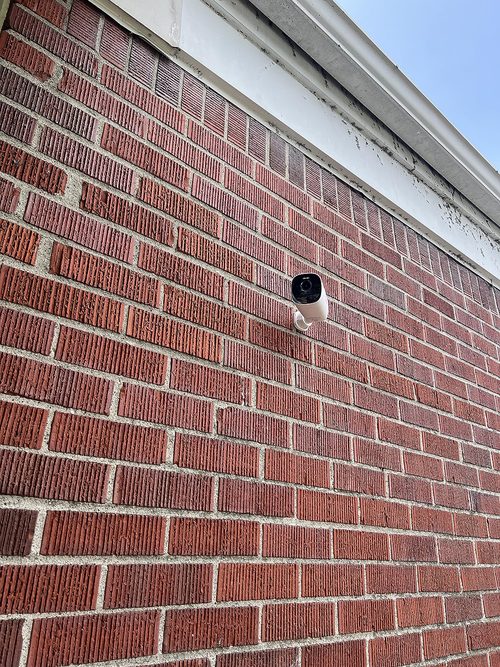
One supplied account explicitly describes the two-camera S330 kit covering two relatively quiet side doors, with both cameras close to the base.
- The owner reports favorable charging and useful alerts.
- That is encouraging for that arrangement, but it does not establish performance at a distant gate or in a much busier scene.
A different supplied account reports unreliable home/away switching.
The cause is not established by the review, but the consequence is easy to understand: an automation that looks configured is not enough if the intended security mode did not actually change.
Check the mode indicator rather than relying on an assumption about the phone's location.
There are also owner complaints about solar-panel deterioration.
The available text cannot establish prevalence, confirm a manufacturing cause or show that a current replacement shares the same issue.
It is a reason to check support and access for maintenance, not to invent a service-life estimate or recommend an unverified replacement panel.
Run a household handover, not just a camera demo
Before considering setup complete, work through a short handover with the people who will use it:
- Confirm which entrance each camera covers and how the saved events are named.
- Find and export a harmless test event from each view.
- Check the intended home/away mode and notification behavior for each authorized user.
- Identify the base's power supply and establish who responds if equipment goes offline.
These are suggested acceptance checks, not tests we performed. They are useful because a system may deliver an attractive live image while leaving a basic recording or access task unresolved.
Repeat the relevant checks after changing the base location, adding cameras or altering important settings. Adding equipment should be treated as a change to the installation rather than proof that the original two-camera arrangement will behave identically.
The kit is strongest when you want a central system
The eufyCam S330 two-camera package is a plausible choice for someone who wants to start a HomeBase-centered installation and has two suitable outdoor views. Evaluate it as a connected system with an indoor recorder, not as two independent solar cameras.
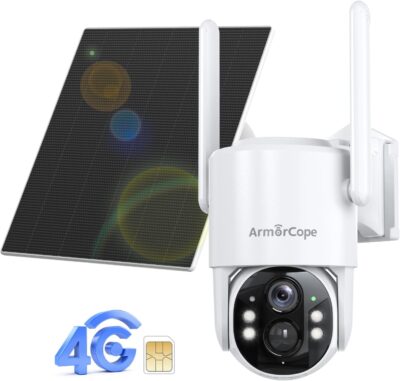
If avoiding an indoor powered component is a requirement, investigate standalone alternatives instead. If the site needs cellular service, return to the exact cellular product category; the S330 name alone is not enough to identify the appropriate camera.
The deciding question is whether the complete arrangement fits the property and the household's recording workflow. The panels can simplify outdoor power, but they do not remove the rest of the system from the decision.
Pros & Cons Analysis
Based on documented specifications and owner feedback
Pros
- The starter package includes the central component — For someone who has already decided on a HomeBase-centered installation, a two-camera kit provides a clearer starting shopping list than purchasing unidentified add-on cameras separately.
- Storage expansion can follow demonstrated use — A recorder-centered system gives the owner a place to evaluate storage needs as the installation develops.
- Outdoor power work can be reduced without abandoning a base — Some homes have a practical indoor location for a recorder but no convenient outlet near either entrance.
Cons
- Central equipment becomes a shared dependency — The base is not an optional accessory that can be ignored if its location proves inconvenient.
- Sunlit cameras do not supply backup power indoors — During a mains interruption, charged outdoor batteries do not by themselves satisfy the base's need for electricity.
- Expansion stories can hide a different shopping list — A review describing four cameras and a separately installed drive may sound like a picture of this product's everyday use, but it describes a larger investment than the two-camera box.
Plan the indoor HomeBase before ordering eufyCam S330
This two-camera S330 kit is a system purchase. Two deliberate exterior views and an indoor recording location need to work together for its HomeBase-centered arrangement to be useful.
Outdoor solar does not power the whole installation
The camera panels do not remove HomeBase 3's external-power requirement. Locate the base and consider its household-power dependency before describing the setup as independent of the house.
When the kit fits
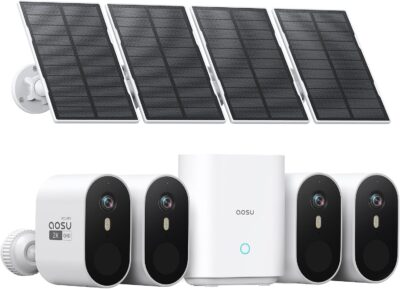
Shortlist it when two fixed viewpoints cover the task and managing an indoor archive is welcome. If the actual requirement is four movable viewpoints, compare the aosu D1 Classic arrangement rather than comparing camera resolution alone.
Frequently Asked Questions
Is eufyCam S330 the same as the 4G LTE Cam S330?
No. This review covers the two-camera eufyCam system with HomeBase 3, not the separate cellular camera that shares the S330 name.
Does the eufyCam S330 kit power HomeBase from solar?
No. The camera panels charge the outdoor devices. HomeBase 3 still needs its supported external power supply.
Is an owner's added drive included with this eufyCam bundle?
Do not assume so. Additional storage purchased by a customer is not proof of the selected kit's contents.
Where should the eufyCam recorder be considered in the plan?
Include it from the beginning: power, camera connectivity, access for maintenance and the process for exporting important events all matter.
Can two eufyCam cameras cover every side of a house?
That depends on the property and the required evidence. Assign two concrete views rather than expecting two devices to see around physical obstructions.
What distinguishes a working eufyCam feed from a usable archive?
A usable archive contains the event you need and allows you to retrieve and export it. Test that process, not just live viewing.
Technical Specifications
| Model family | eufyCam S330 |
|---|---|
| Amazon offer | B0B4BZH58H |
| Selected camera count | 2 |
| Connectivity class | HomeBase-based home network system |
| Camera arrangement | Fixed exterior views |
| Solar arrangement | Integrated camera panels |
| Local recording | Via HomeBase 3 |
| Offer-specific requirements | Included base station: HomeBase 3; external power required |
| Advertised video resolution | 4k |
| Advertised weather rating | IP65 |
| Night vision type | Not established for this selected offer |
| Motion / alert method | Not established for this selected offer |
| Mounting method | Wall Mount |
| Audio support | Two-way audio advertised |
| Advertised viewing angle | Not established for this selected offer |
| Video format | MPEG H |
| Operating environment | Outdoor |
| Compatible device class | Smartphone |