The first question is not how many cameras a kit contains. It is how many distinct scenes need to remain covered, and where the household will find the resulting recordings. Four cameras pointed at substantially the same approach can be less useful than two deliberately assigned views.
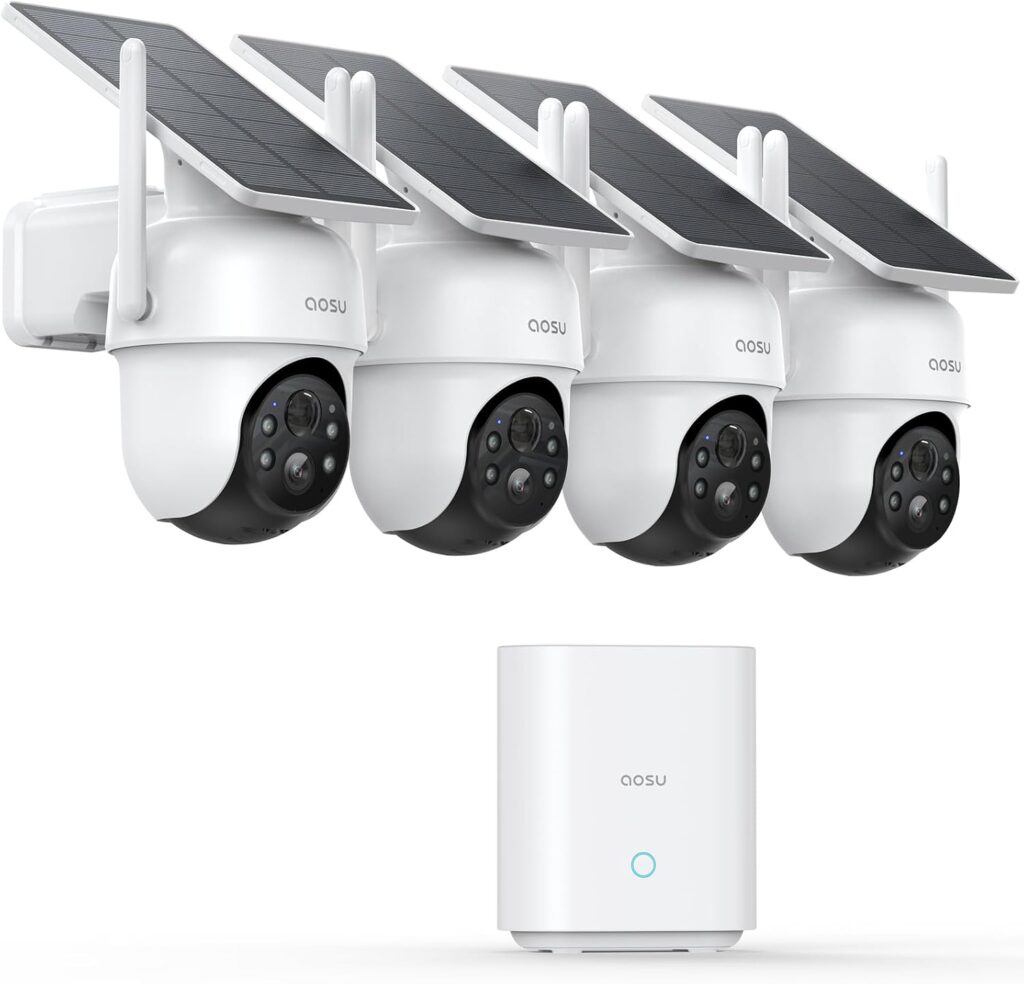
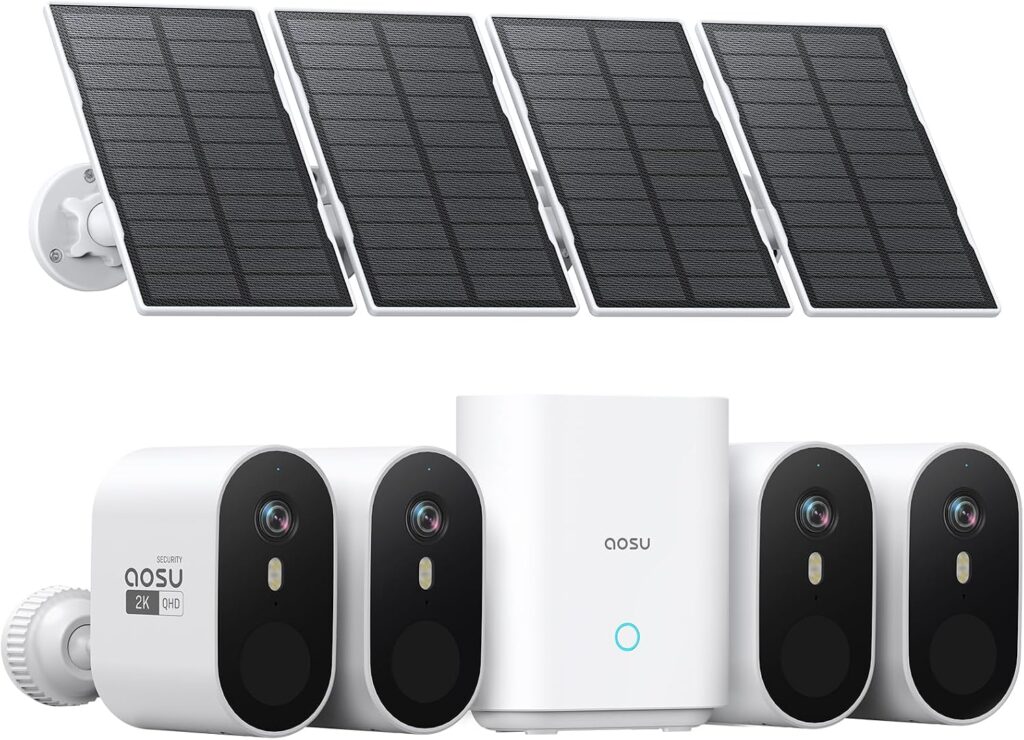
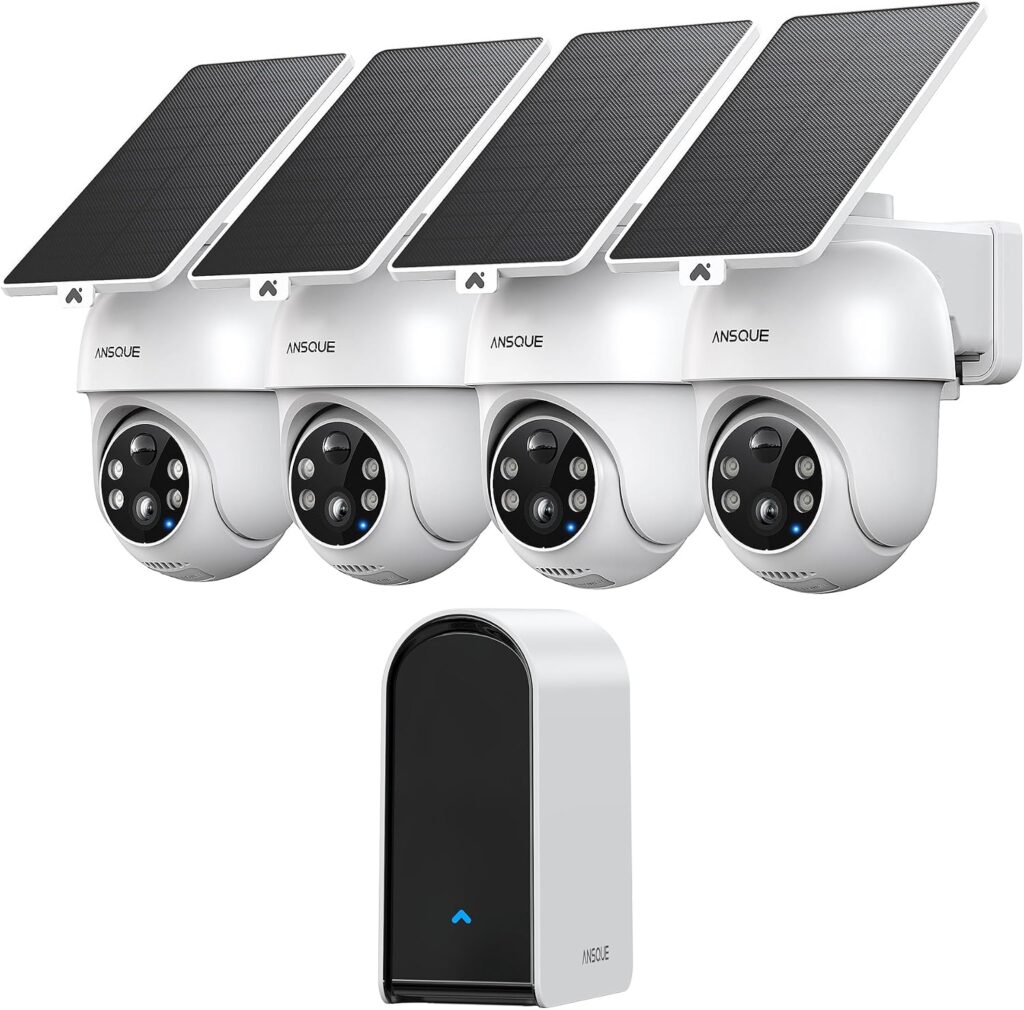
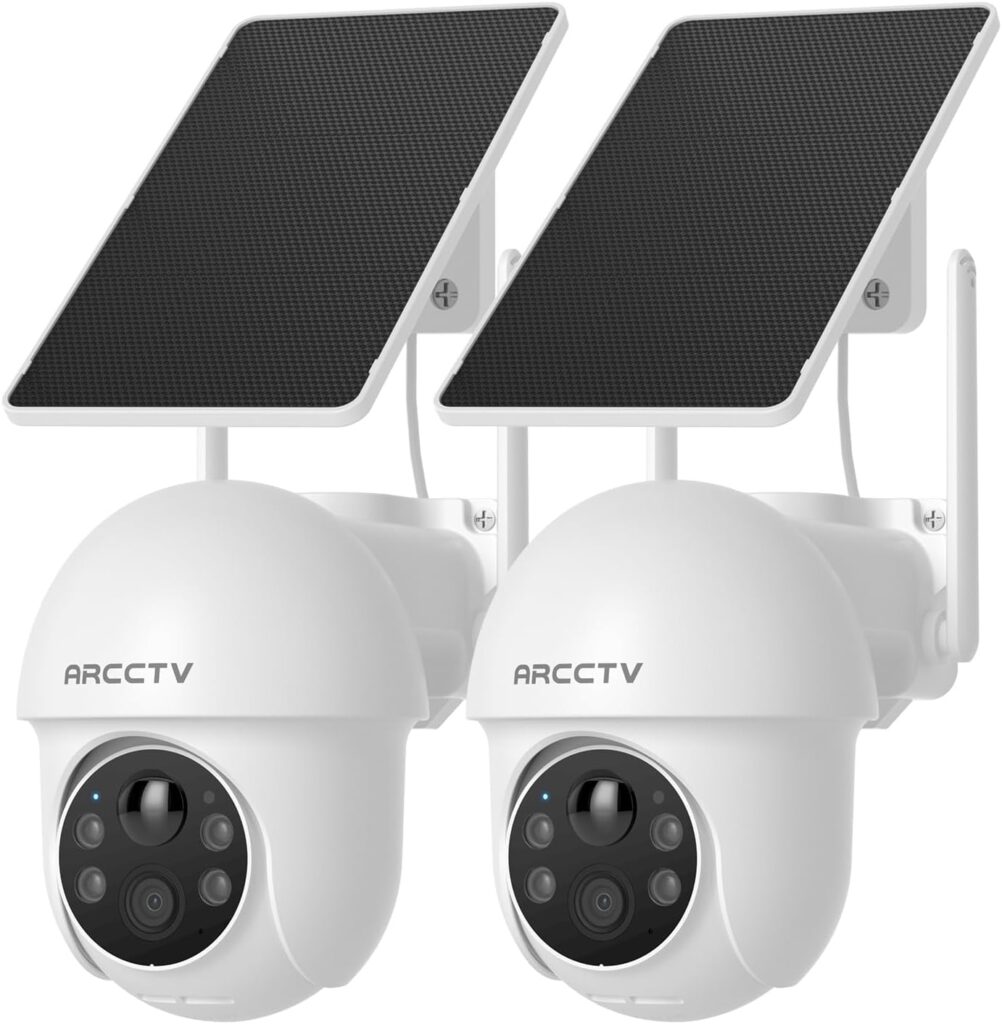
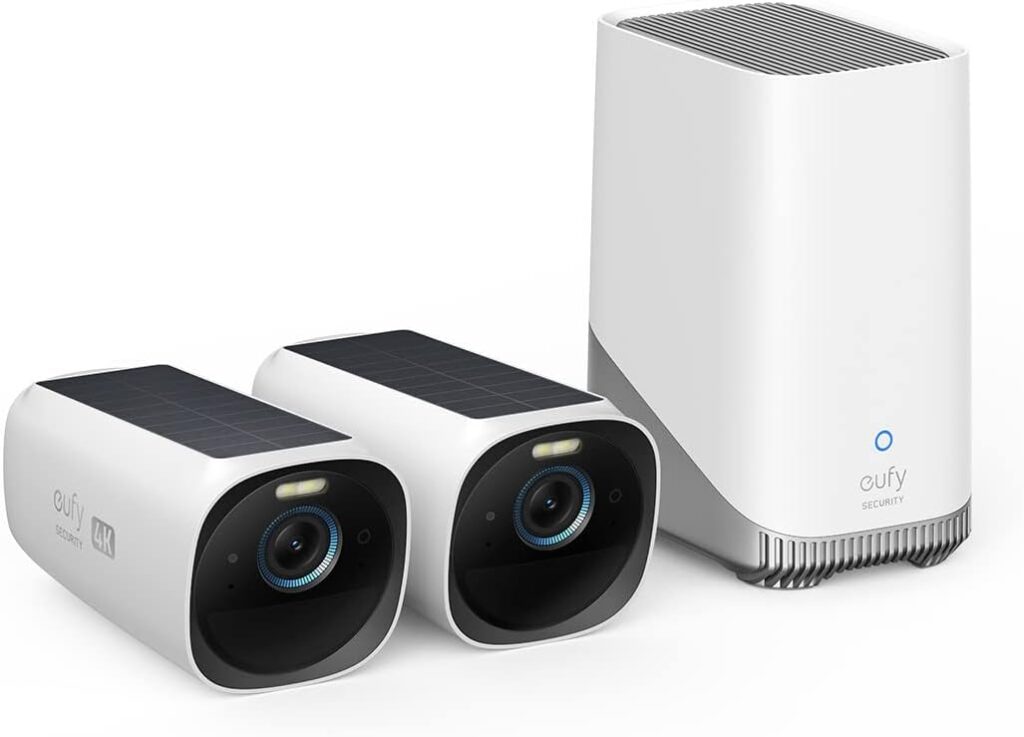
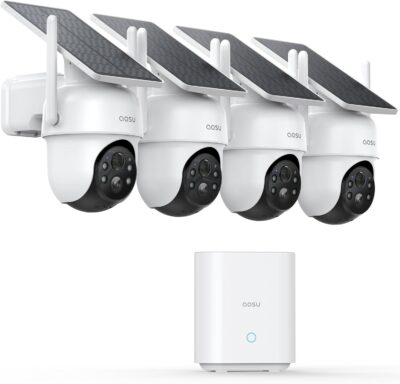
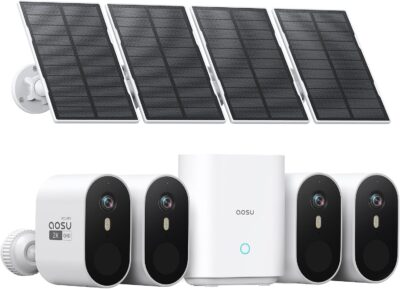
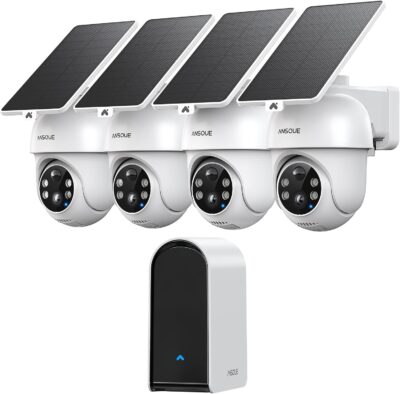
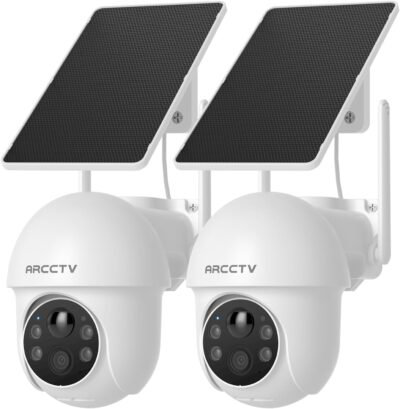
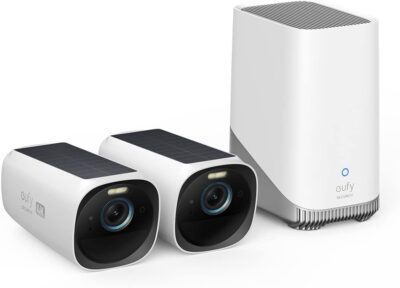
This shortlist includes the aosu D1 Classic, aosu SolarCam Pro, ANSQUE GU01, ARCCTV Q01 and eufyCam S330 selected offers. They are different system arrangements, not interchangeable boxes. Recommendations draw on retained product evidence and supplied owner feedback rather than a controlled installation test.
Give each viewpoint a written responsibility
Name the action the camera should preserve: a person at the entrance, movement along a side path, or activity beside a detached structure. Avoid vague assignments such as covering the entire property. They conceal the actual framing and recording requirements.
| Layout requirement | Candidate arrangement |
|---|---|
| Four movable views with a shared local system | aosu D1 Classic or ANSQUE GU01 |
| Four fixed wide views and separately positioned panels | aosu SolarCam Pro |
| Two manual pan-and-tilt Wi-Fi cameras | ARCCTV Q01 |
| Two fixed views with HomeBase 3 | Selected eufyCam S330 kit |
This is a layout distinction, not proof that one product records events more reliably. A motorized lens can inspect another direction, but that does not create simultaneous footage outside its current view. Likewise, linked clips cannot fill an area no camera recorded.
Decide who owns the archive
A shared archive and two camera-local cards create different household workflows.
D1 Classic, SolarCam Pro, GU01 and the selected eufyCam S330 package include a base arrangement. Plan its indoor power, network position and actual storage configuration.
Q01 uses two Wi-Fi cameras with cards to be added for local recording. Do not count an indoor archive as part of this offer.
Use the fourth position to test a four-camera purchase
It is usually easy to imagine the first camera. The weakest justification often belongs to the last one. For a four-camera kit, check whether the fourth intended position adds useful footage, has a workable connection and can support charging.
- Sketch the four intended scenes without using camera movement to hide gaps.
- Identify the hardest location for network access and sunlight.
- Confirm that its saved event would add information unavailable from another camera.
- Keep a realistic route for maintenance at that location.
If the fourth location has no useful role, a two-camera system may be the more appropriate starting point. Conversely, two cameras are not enough simply because they can rotate. Choose the number of useful simultaneous viewpoints rather than the largest movement-range headline.
Panel layout changes the installation workload
The selected SolarCam Pro and Q01 offers let the camera view and sunlight be planned separately. Confirm cable reach, mounting and routing at every location.
The camera location also controls charging exposure. One sunny unit does not validate a shaded second or third camera.
Neither arrangement establishes maintenance-free operation. Evaluate the least convenient position before accepting the entire kit.
Hand the finished system to another person
Ask someone other than the installer to retrieve a sample incident.
- Name the views
Use meaningful locations instead of indistinguishable default camera names.
- Find the incident
Locate the relevant camera and check the saved beginning and end, including transitions to another view.
- Keep a copy
Use supported sharing and export. Check the actual permissions and optional service requirements.