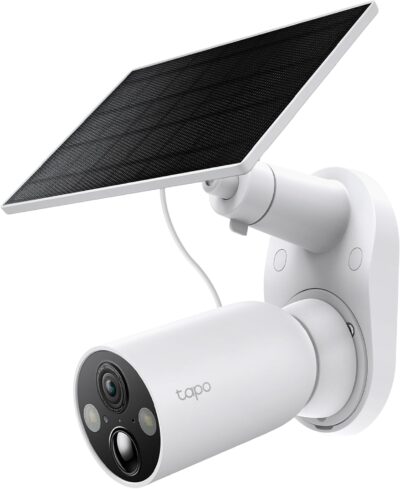
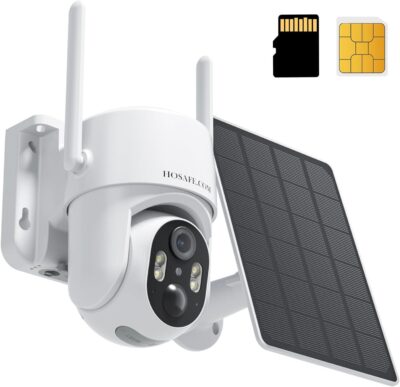
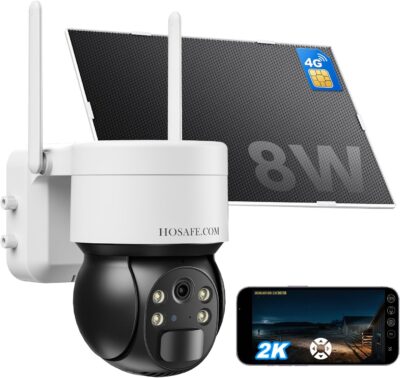
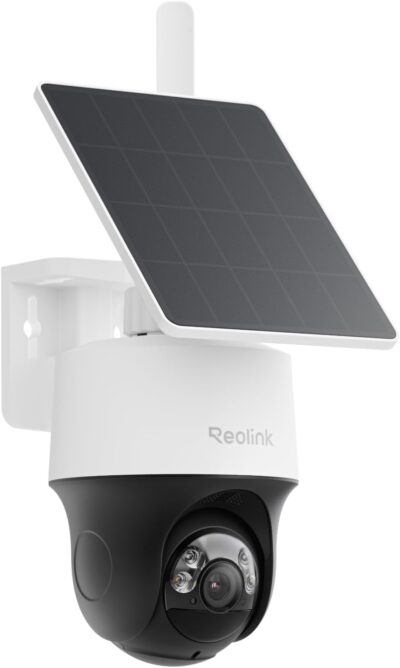
Reolink Go Plus Solar Kit Review
At a Glance
KEY FEATURES
- Fixed view
- 4G LTE; Wi-Fi not supported
- Separate panel in selected offer
- Memory-card event recording
- Compatible active cellular service for remote access
PROS
- Stable framing for a defined entrance
- Cellular link avoids a home-router dependency
- Separate panel can seek a better sunny position
CONS
- No remote change of viewing direction
- Each added camera brings service management
- Older listing details require version care
Amazon customer rating
1,484 Amazon ratings
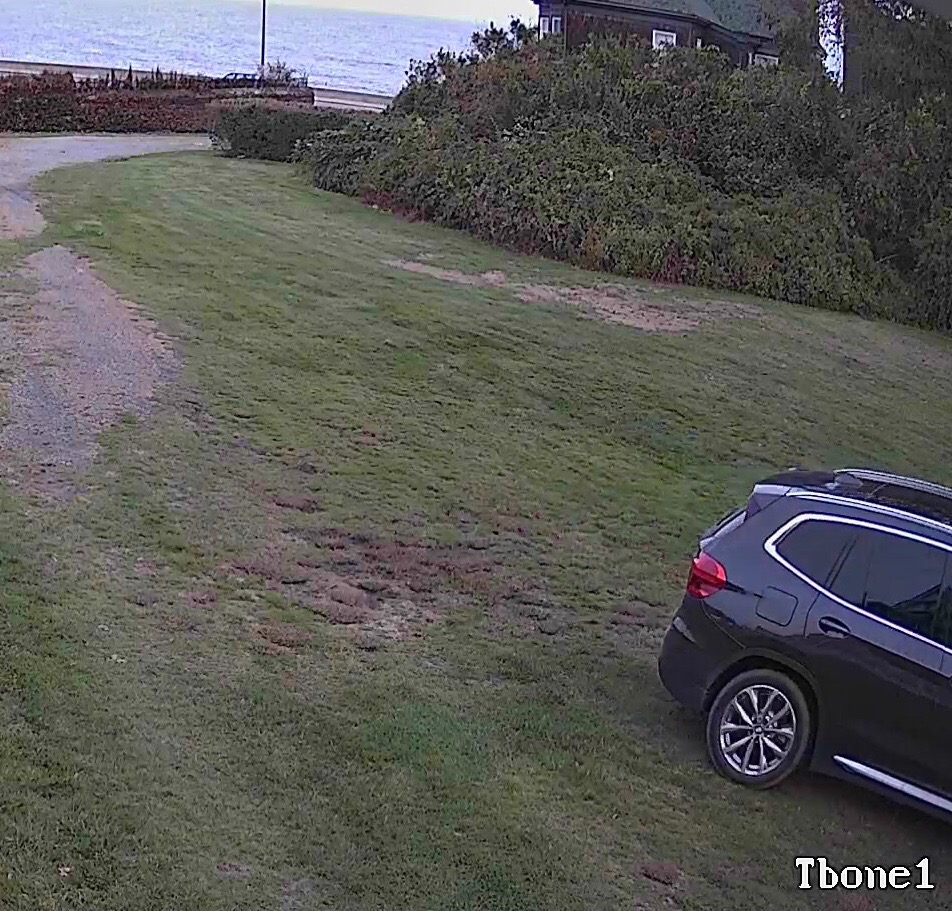
The Reolink Go Plus makes its strongest case at a boundary that needs the same view every day. It is a fixed cellular camera, not a camera that you turn around remotely. For a rural entrance, that can be an appropriate division of responsibilities: choose the framing at installation, then use remote access to inspect that scene and its saved events.
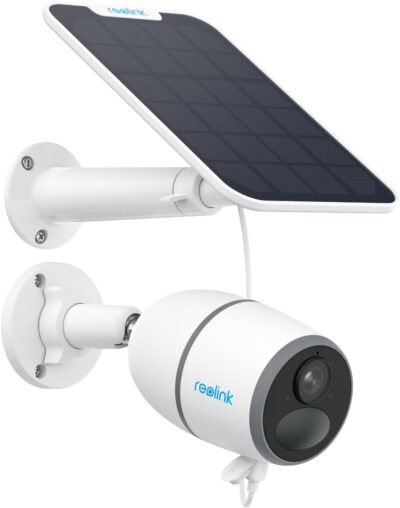
This review concerns B07TKKPTL3, the selected Go Plus and solar-panel offer described as a 4MP updated version. The long listing history includes older Go experiences, so those accounts do not establish the exact specifications of every camera sold under the listing. This is a research assessment, not hands-on testing.
One boundary can be a complete job
Start with the point where a person or vehicle enters the area you need to monitor.
Go Plus is a fixed-view cellular option. It makes sense when keeping the relevant approach consistently framed matters more than remote looking-around.
- A fixed view is suitable when that route is predictable and remains in the frame.
- It is less suitable when you regularly need to redirect attention between unrelated areas and cannot install a second viewpoint.
It means somebody viewing the camera cannot accidentally leave it pointed at another part of the yard.
Equally, it cannot compensate for a mount aimed at an unhelpful angle.
Spend time on the actual scene rather than treating installation as a quick step after the purchase.
Ask what the recorded image must answer.
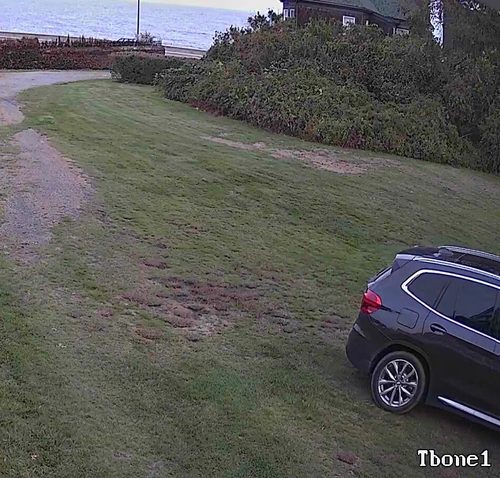
Seeing that a vehicle passed is a different requirement from identifying a registration plate.
Neither the 4MP description nor the ability to enlarge an image guarantees the latter.
Inspect saved footage from the important route rather than judging only a live view of stationary objects.
The second camera creates a second service question
The cellular arrangement can be helpful where linking back to a home router or base station is impractical.
Its cellular requirement must match the site and service plan. Do not buy it for a future Wi-Fi conversion.
- However, expansion is not just a matter of ordering more camera bodies.
- Each device needs an appropriate connection and a recording plan.
| Expansion decision | What to establish before adding another unit |
|---|---|
| Another gate needs its own view | Whether the new position has suitable service and sunlight |
| Another person needs access | How access is shared without losing control of the account |
| More events need reviewing | How viewing affects data usage and the time spent finding clips |
| More cameras must be maintained | Who can reach each location and manage its service |
A supplied rural-property account describes building up several cameras over time.
Its useful lesson is the need to manage the individual locations.
Its historical prices, reported data consumption and network recovery times are not promises for a new buyer.
In particular, do not assume that one inexpensive plan automatically covers every added camera.
The Go Plus does not connect to Wi-Fi. A location that already has a suitable wireless network may be better served by a camera designed for it. Cellular hardware is valuable when it solves a real connectivity problem, not simply because it is described as wireless.
Keep the event archive separate from the mobile connection
The recording medium
The Go Plus supports memory-card event recording.
Match the task to its documented event-recording behavior before considering the purchase complete.
- Confirm the appropriate card and the contents of the chosen package, then make sure recordings can be found and exported.
- The recorded event matters more than simply seeing that the camera recognizes a card.
The route used to reach it
Cellular service enables remote communication.
- Optional cloud services concern another part of the workflow.
- Do not conflate the absence of a mandatory cloud purchase with the absence of a mobile-data cost.
- Also verify current cloud availability for the actual model and region rather than relying on an older offer of free history.
The selected listing expressly excludes continuous recording. That boundary is important for buyers expecting to scroll through an entire day. Event clips can be suitable for checking arrivals, but they are not a gapless record of everything that took place outside the trigger periods.
A charging cable is part of the outdoor installation
The separate solar panel offers freedom to seek better light without changing the camera's fixed composition.
- The supported cable, connectors and mounting arrangement still limit that freedom.
- Check the delivered hardware rather than following an old review's connector description, because product-page details and historical comments can refer to different versions.
Choose a position that remains reachable for cleaning and service. Do not turn an enthusiastic report about a sunny installation into a claim that manual charging is never necessary. A camera in a shaded part of the same property can behave differently from one beside an open entrance.
For an installation that must remain available during household power loss, remember that independence from the home router does not mean independence from all infrastructure.
The camera needs energy and a working mobile service.
The panel cannot resolve a carrier outage, and an active data plan cannot replenish a depleted battery.
Read the older experiences for context, not instructions
The supplied feedback includes detailed accounts of rural use and cellular setup.
- It also contains older original-Go references, obsolete service prices and customer-written APN procedures.
- Those procedures should not be copied into a setup guide for the selected updated unit.
- Use the current instructions for the actual equipment and service.
One owner describes a network outage followed by cameras recovering at different times, and offers a theory about charging.
That is an observation and interpretation from one installation, not proof of an automatic recovery deadline.
It is useful as a reminder to plan access; it does not justify promising that an unattended unit will reconnect without help.
The purchase case remains straightforward: choose the Go Plus when a stable cellular viewpoint and event archive meet the task.
If the task requires changing the view remotely, uninterrupted recording or operation on ordinary Wi-Fi, those are reasons to choose another design rather than expect this fixed camera to acquire those capabilities later.
Pros & Cons Analysis
Based on documented specifications and owner feedback
Pros
- The normal scene does not depend on where someone last panned — A fixed lens gives the installation a consistent responsibility once its position is chosen.
- An isolated approach can have its own communication path — Where a rural boundary cannot reasonably communicate with the household network, a compatible cellular service can make remote access practical.
- The energy collector need not dictate the fixed composition — A panel mounted separately from the camera allows some independence between the required image and the preferred light-collection location.
Cons
- A question outside the frame cannot be answered by an app movement — The fixed design becomes restrictive if the monitoring task regularly changes direction.
- A larger installation multiplies administration as well as coverage — Adding cellular cameras means checking more service arrangements, recording locations and maintenance positions.
- The listing history is not a current setup manual — Detailed older accounts include original Go hardware, service prices and network configuration suggestions.
Go Plus is the simpler choice when the frame should stay put
Choose Go Plus for a cellular location where one stable composition covers the job. Paying for remote movement has little value if the important scene should remain in view anyway.
- Keep it on the shortlist for a defined approach and motion-event recording.
- Remove it if you require remote panning, Wi-Fi connectivity or a continuous archive.
The comparison that matters
The Go Plus versus Go PT Plus comparison is about a fixed responsibility versus a view you can reposition. Both still require a workable cellular service and power arrangement.
Frequently Asked Questions
Can I pan the Go Plus through the app?
No. This is the fixed Go Plus, not a Go PT model. Its viewing direction is established by the mount.
Does a Go Plus solar bundle include continuous recording?
No. The selected offer excludes 24/7 recording. Solar charging does not change event clips into a complete daily archive.
Can the Go Plus use the same wireless network as my home cameras?
It does not support Wi-Fi. It requires an appropriate cellular arrangement for remote communication.
Should I follow an original Go owner's APN recipe?
Not without matching current official instructions for the actual hardware and service. Historical setup recipes can refer to another generation.
Does adding a second Go Plus only add a hardware cost?
No. Check the additional service, storage and maintenance responsibilities for that camera rather than assuming the first unit's plan covers it.
Can an old Go outage report predict automatic reconnection?
No. It is one installation's experience, not a recovery guarantee. Plan how the equipment can be reached if remote access remains unavailable.
Technical Specifications
| Model family | Reolink Go Plus |
|---|---|
| Amazon offer | B07TKKPTL3 |
| Selected camera count | 1 |
| Connectivity class | 4G LTE; Wi-Fi not supported |
| Camera arrangement | Fixed view |
| Solar arrangement | Separate panel in selected offer |
| Local recording | Memory-card event recording |
| Offer-specific requirements | Service requirement: Compatible active cellular service for remote access |
| Advertised video resolution | 4 MP |
| Advertised weather rating | IP65 |
| Night vision type | Infrared |
| Motion / alert method | Motion Only |
| Mounting method | Wall Mount |
| Audio support | Two-way audio advertised |
| Advertised viewing angle | 120 degrees |
| Video format | MPEG-4 |
| Operating environment | Outdoor |
| Compatible device class | Desktop,Laptop,Smartphone,Tablet |